The Biometric Web API SDK provides a complete, production-ready solution for integrating Futronic fingerprint scanners into any web application. The core of the project is a high-performance C++ Web API that runs as a local service on a client's machine, bridging the communication gap between the browser and the hardware.
This package is designed for flexibility. You can integrate the included JavaScript library directly into your existing projects (whether plain HTML/JS, React, Vue, Angular, etc.) or use the full-featured Laravel example application as a starting point for a complete member management and authentication system.
Self-contained executable exposing RESTful endpoints for scanning without server dependencies.
Use our JS SDK or Laravel example app with CRUD, multi-finger enrollment, and live verification.
Perform both member identification and user-specific validation with precision.
Experience the live demo of our IoT-powered Biometric SDK in action.
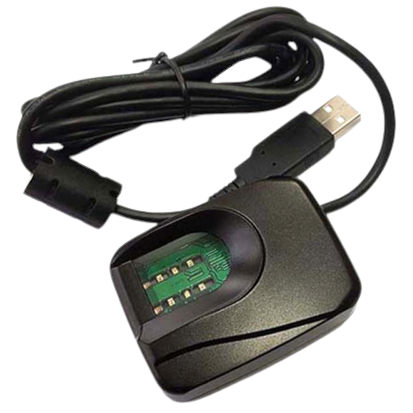
Attach the Futronic fingerprint scanner to a USB port.
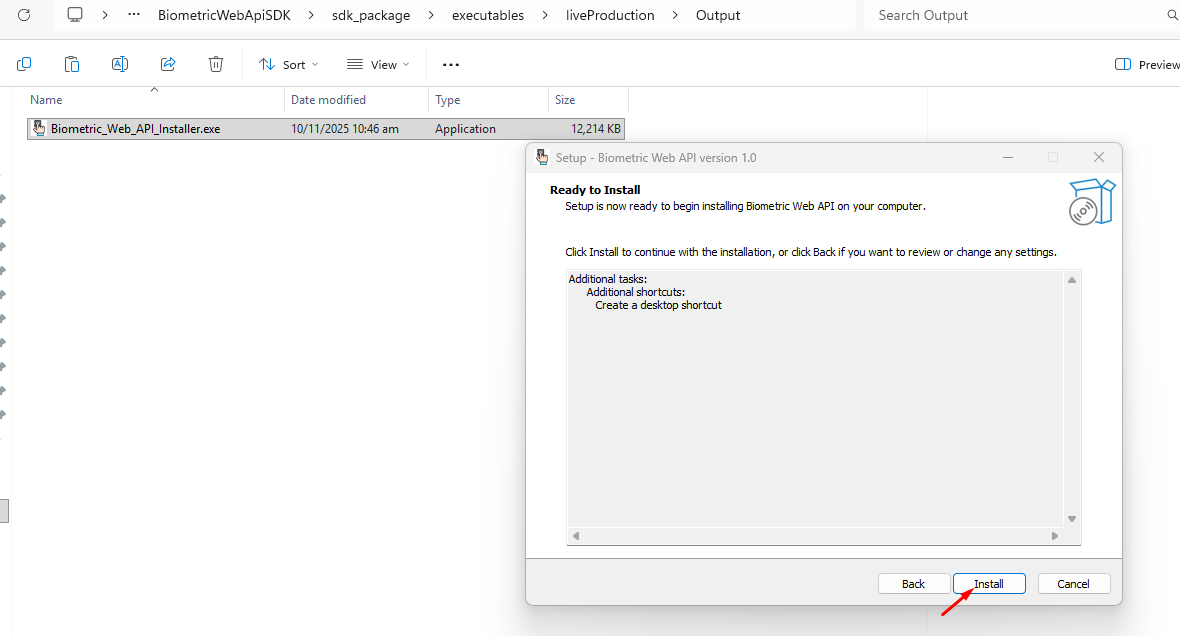
Run Biometric_Web_API_Installer.exe to install drivers and the API service.
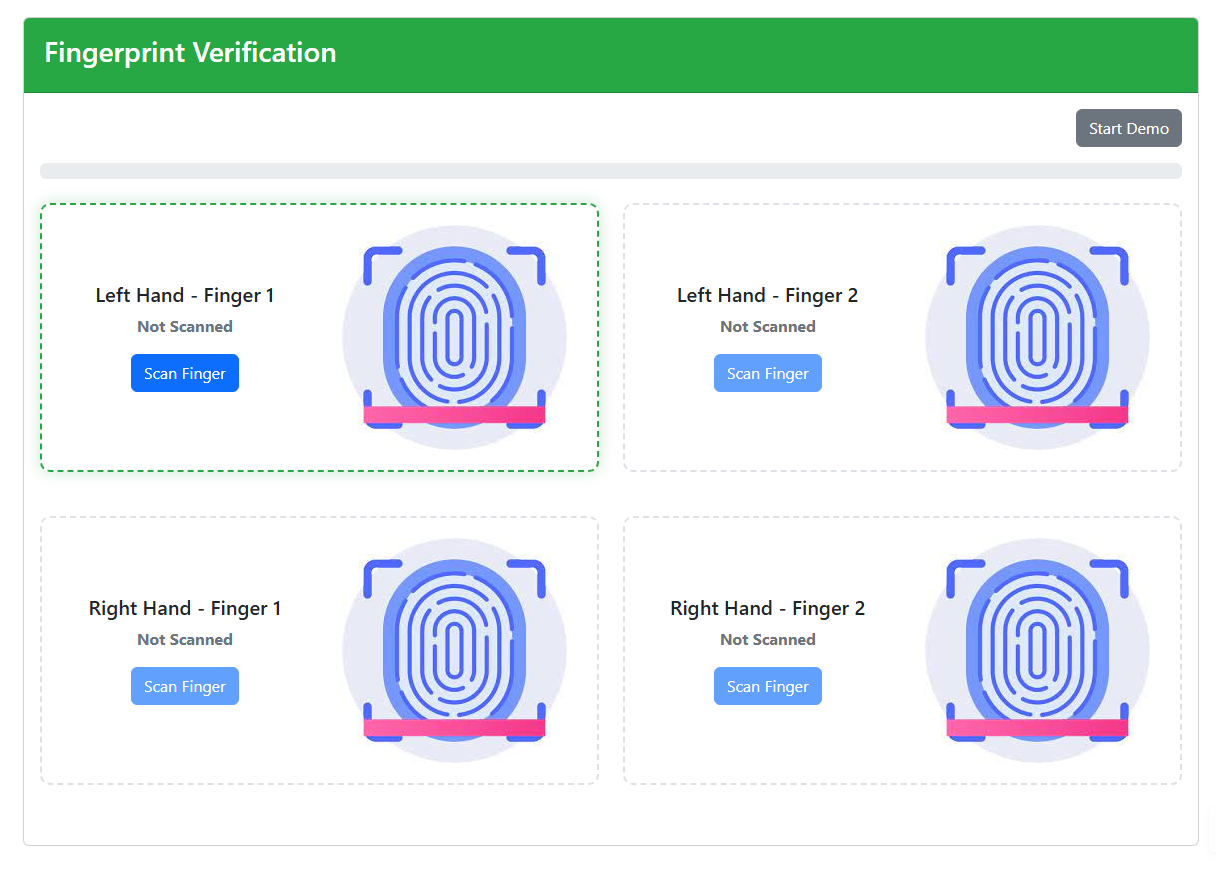
Open scan.html for live mode or demoScan.html for simulation.
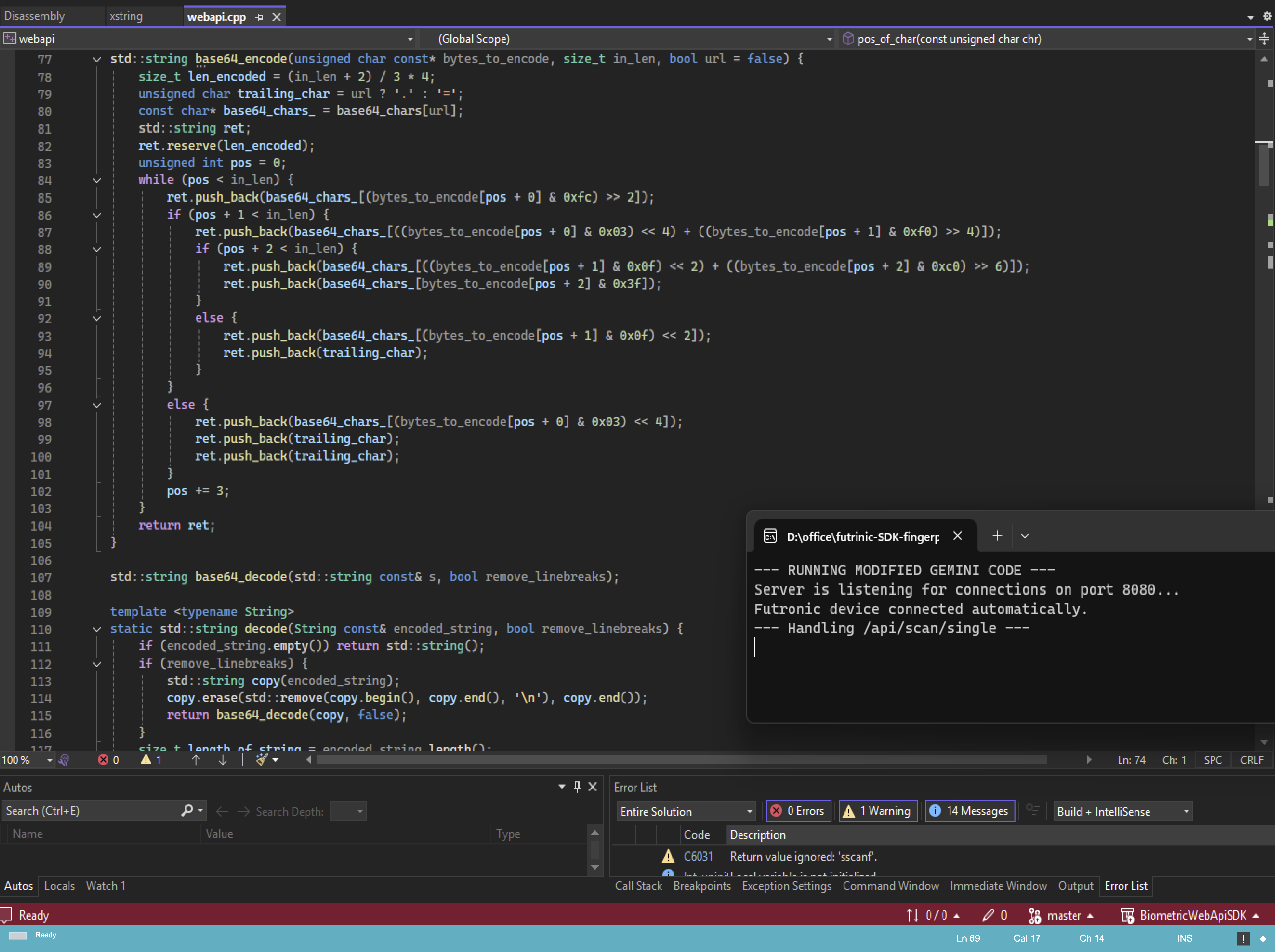
The Biometric Web API simplifies integration of Futronic fingerprint scanners into web applications. It’s a high-performance C++ server (webapi.exe) that communicates directly with the device and exposes a REST API for the browser.
/api/scan/single & /verify_with_template
codecanyon_package/
├── documentation/
│ └── documentation.html
├── executables/
│ ├── webapi.exe
│ ├── ftrDriverSetup_win8_whql_3471.exe
├── source/
│ ├── frontend/
│ └── server/
│ └── webapi.sln
└── README.md
Initiates a fingerprint scan and returns Base64 image & template.
{
"success": true,
"imageBase64": "data:image/bmp;base64,...",
"templateBase64": "...",
"message": "Scan successful"
}
Verifies a live scan against stored fingerprint templates.
{
"success": true,
"verified": true,
"message": "Match found"
}
Don’t have a physical scanner? No problem — the Biometric Web SDK includes a Demo Mode that generates fake fingerprints and templates. Perfect for testing enrollment and verification without hardware.
demoScan.html from sdk_package/source/src/frontend/.
<div id="scanner-container"></div>
<script type="module">
import BiometricScanner from './biometric-scanner-lib.js';
const scanner = new BiometricScanner('#scanner-container', { verification: false });
</script>
document.addEventListener('enrollmentComplete', (e) => {
const data = e.detail.scannedData;
document.getElementById('template1').value = data.left[0].templateBase64;
});
const scanner = new BiometricScanner('#scanner-container', { verification: true });
document.addEventListener('verificationComplete', async (e) => {
await axios.post('/verify', { template: e.detail.template });
});
Ensure webapi.exe is running on localhost:8080.
ftrDriverSetup_win8_whql_3471.exe.The Biometric Web SDK is designed with privacy and data protection at its core. No raw fingerprint images are ever stored or transmitted outside the user’s machine. Instead, encrypted biometric templates are generated locally and used only for matching.
webapi.exe and drivers to each end-user machine.Biometric_Web_API_Installer.exe for simplified installation.port 8080.Quick answers about setup, integration, and biometric data operations.
webapi.exe service.
Ensure it's running and accessible at http://localhost:8080 to bridge the web app and fingerprint scanner.
webapi.exe + drivers).
For IoT deployments, silent installer scripts can automate this process at scale.
We’re here to assist you with installation, integration, and deployment of your Biometric SDK.